




Full Coding Package - Unlock Hidden Features in Your Car
Shop now. Pay with Klarna.
Pickup available at VMC Wednesbury Warehouse
Usually ready in 1 hour
Full Coding Package - Unlock Hidden Features in Your Car
VMC Wednesbury Warehouse
VMC Garage, Salisbury St
Wednesbury WS10 8BQ
United Kingdom
Description
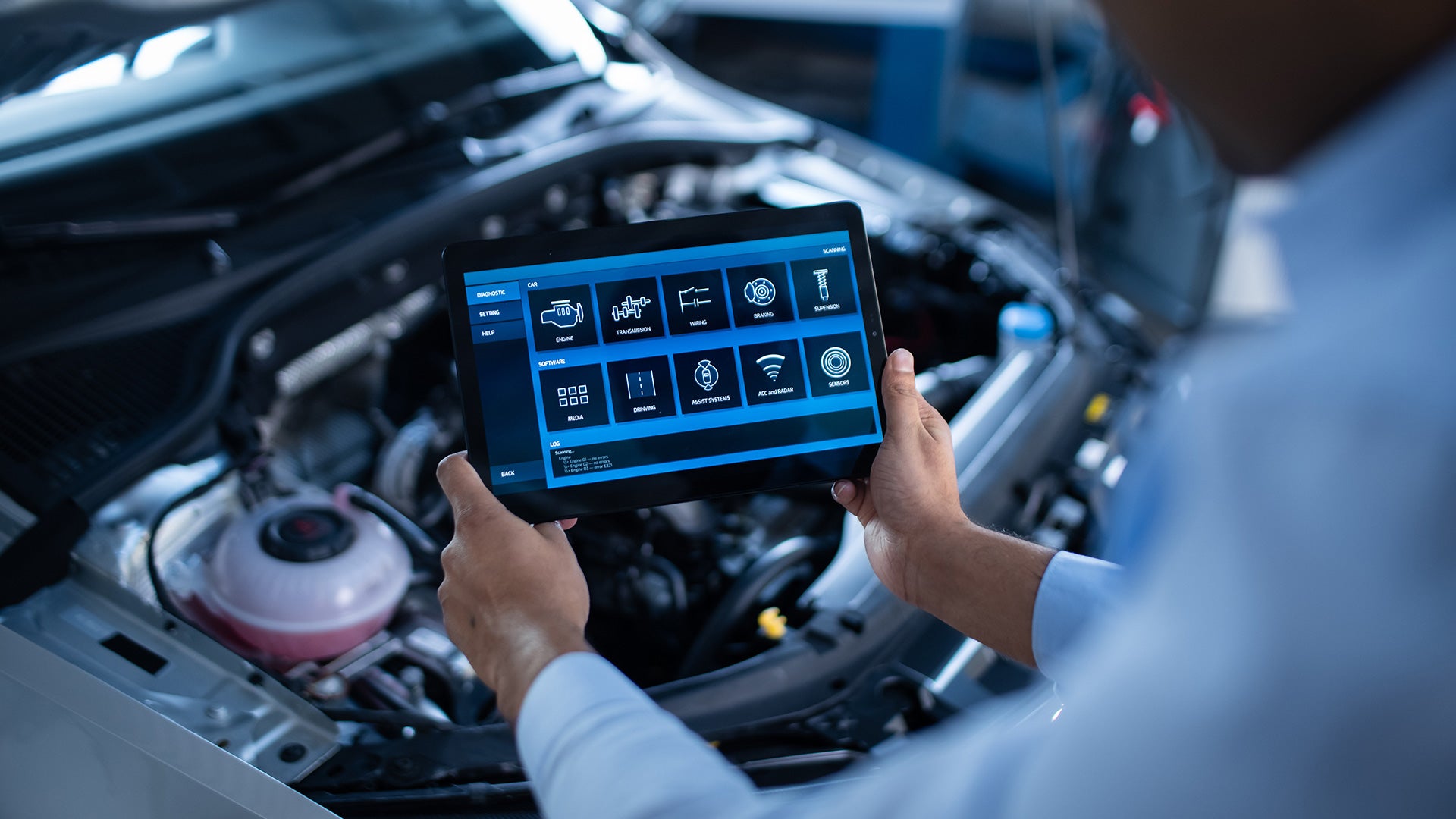
Unlock your vehicle’s full potential with our Full Coding Package. Tailored for:
- VAG Group: Audi, VW, Seat, Skoda, Bentley, Lamborghini
- BMW Group: BMW, Mini, Rolls Royce
- Mercedes-Benz
This service enables a wide range of customisable features that improve convenience, comfort, and overall driving experience. Available options vary depending on your car’s make, model, and year.
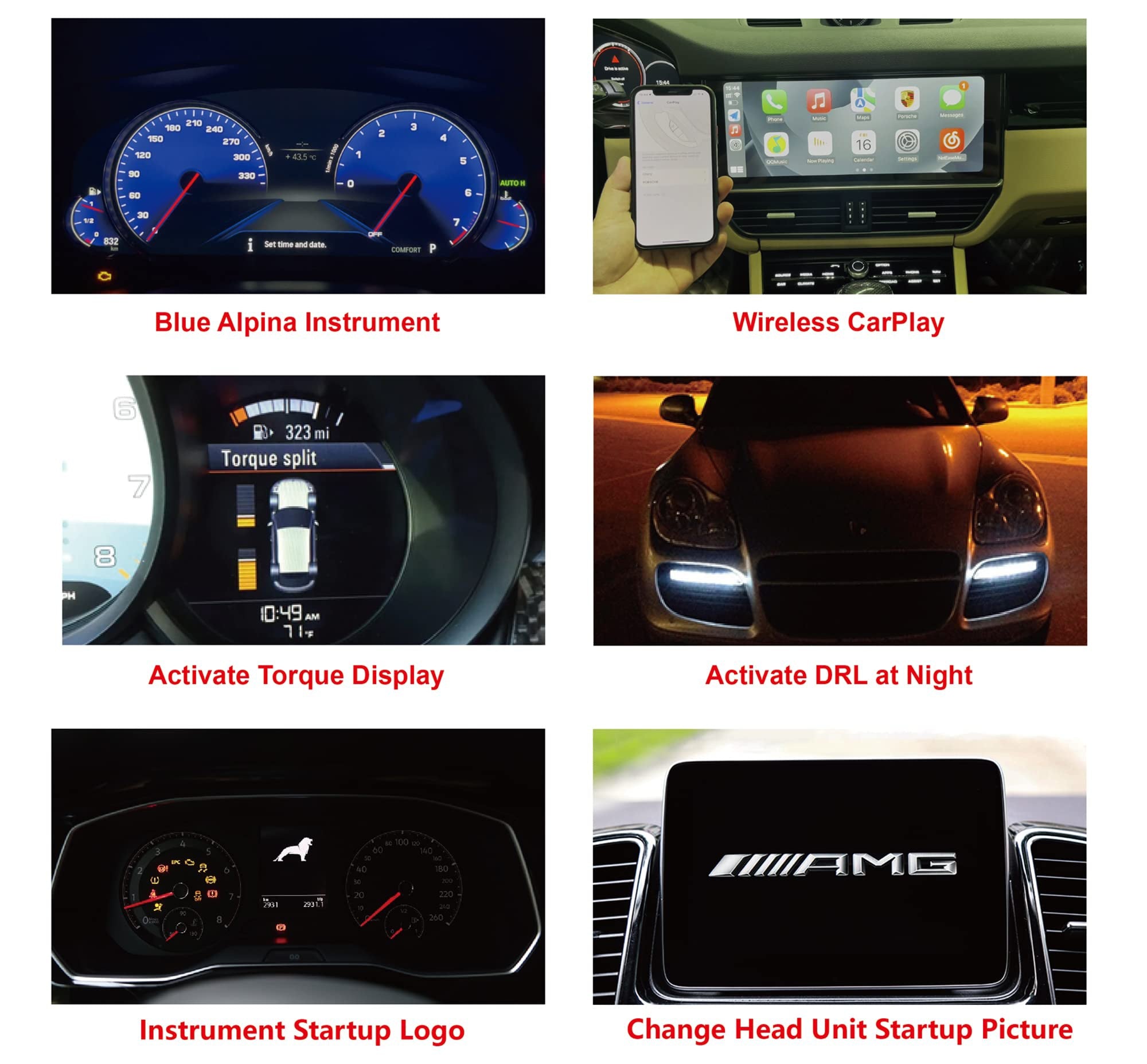
Examples of Popular Coding Options
Here are some of the most requested features (availability depends on your vehicle):
Convenience & Comfort
- Acoustic Lock/Unlock Confirmation – Adds a short beep when locking or unlocking the car.
- Auto-Fold Mirrors on Lock/Unlock – Mirrors automatically fold when the vehicle is locked.
- Needle Sweep / Gauge Cluster Staging – Speedometer and rev counter sweep fully on startup.
- Windows & Sunroof From Key Fob – Open or close windows/sunroof using the remote.
- Disable Start/Stop System Memory – Keeps the engine start/stop off or remembers last setting.
- Seat Belt Warning Chime Off – Removes the audible seat belt warning noise.
- Ambient Lighting Menu Activation – Unlock hidden interior lighting colour options.
- DRL On/Off Option – Control daytime running lights via settings menu.
- Rear DRL Activation – Turn on rear daytime running lights (if compatible).
- Refuel Quantity Display in MFD – See exact fuel added while refuelling.
Driving Enhancements
- Dynamic Indicators Activation – Enables sweeping LED indicators.
- Sport Display / Power & Torque Gauges – Adds performance gauges to the infotainment screen.
- Steering Assist Updates – Unlocks extra steering modes or tweaks.
- Throttle Response Improvements – Sharper throttle input on compatible models.
Safety & Visibility
- Parking Visual Aid – Activates parking assistance visuals on the infotainment screen.
- High Beam Assist / Cornering Lights – Activates advanced lighting options.
- Video in Motion – Allows media to play while stationary (where legal).
Security Features
- Lock Car With Engine Running – Ideal for warming up or cooling down the car safely.
- Auto Door Lock at 10–15mph – Doors auto-lock as you drive.
- Alarm Chirp Settings – Customise the factory alarm sound behaviour.
There are loads more different features, it is all dependant on your vehicle exact make, model and year.
Important Information
This service requires your vehicle to be brought to one of our garages.
Remote coding is not available.
A typical coding session takes 15–20 minutes.
Want to See What’s Available for Your Car?
Message us your make, model, and year via:
📲 Web Chat
📲 WhatsApp: 07311 484626
We’ll send you a full list of coding options available for your specific vehicle.
Why VMC?
Designed for passengers who expect more from every journey without changing the original interior design of the vehicle.
The VMC Rear Entertainment System integrates seamlessly with your factory setup while maintaining a clean OEM-style appearance.
Developed by a UK-based vehicle customisation company, VMC is built from real-world experience working directly with premium vehicle interiors and infotainment systems.
Trusted by drivers and families across the UK, it delivers a reliable upgrade for passenger entertainment, long journeys and everyday comfort.
Backed by a growing community of over 22,000 followers and real customer vehicle installs shared across our platforms, VMC represents a system used in real vehicles every day.
Built for simplicity, integration and everyday usability, without unnecessary complexity.
YOUR FAVORITE APPS
The VMC supports any app on the Google Play Store and/or APK App store. Here are some of our customer favorites!
















Step 1
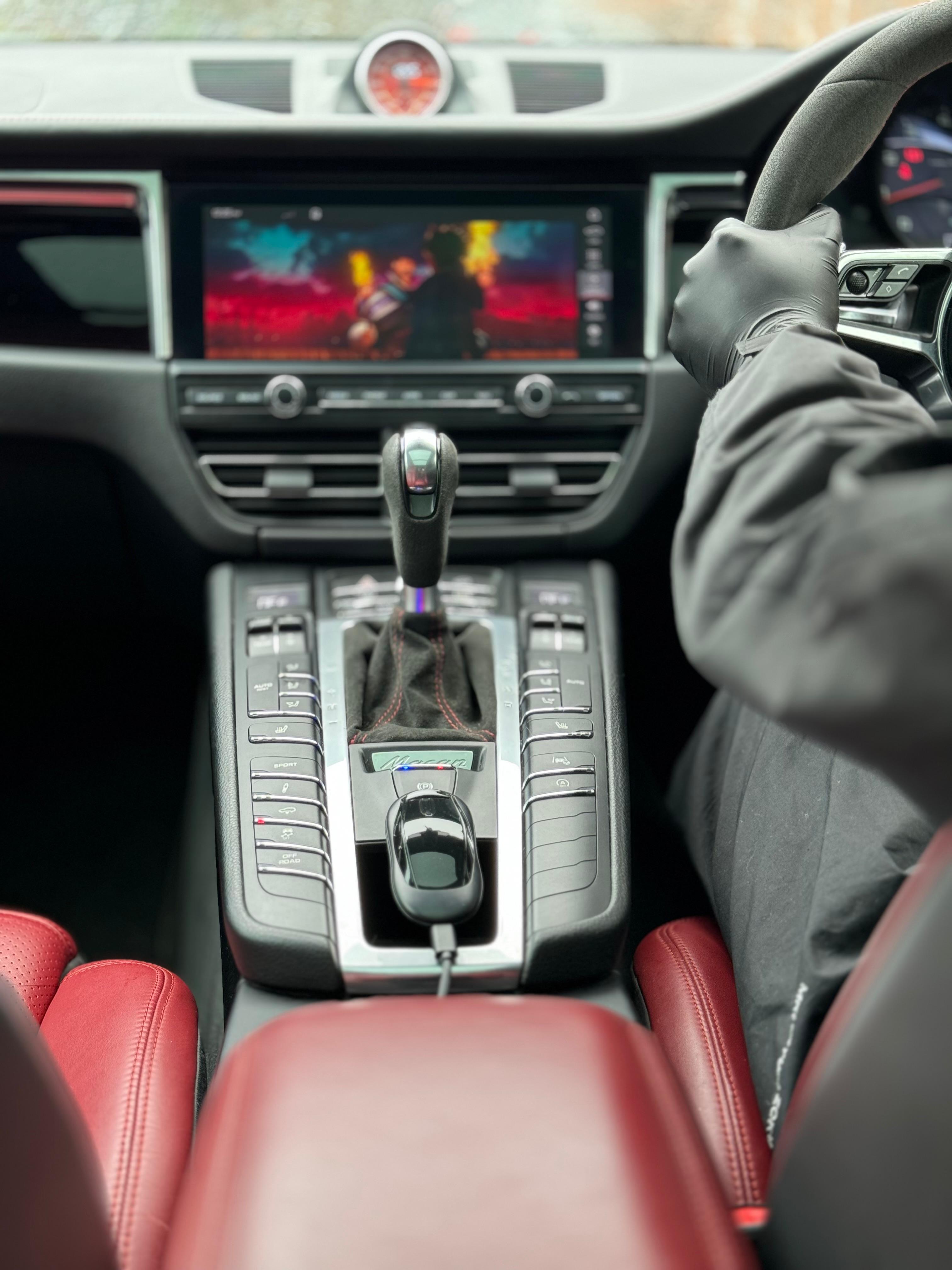
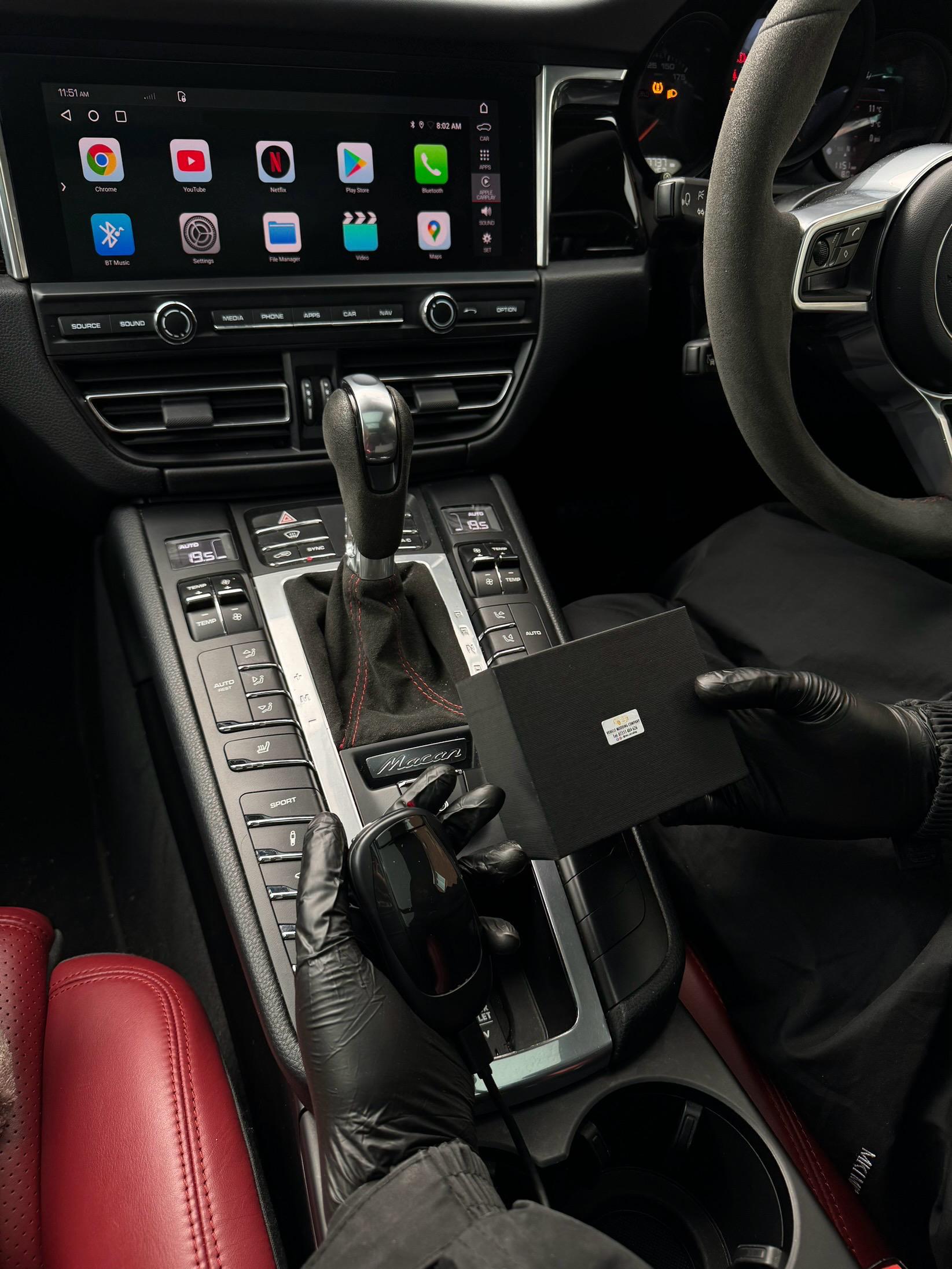
Connect The VMC Box to your car's CarPlay/Android Auto-enabled USB port, using the provided cable.
Step 2.
Select your preferred wifi source such as mobile hotspot. This is only necessary for the very first setup.
Step 3.
Download your favorite apps from the app store or use our pre-downloaded apps to start streaming!
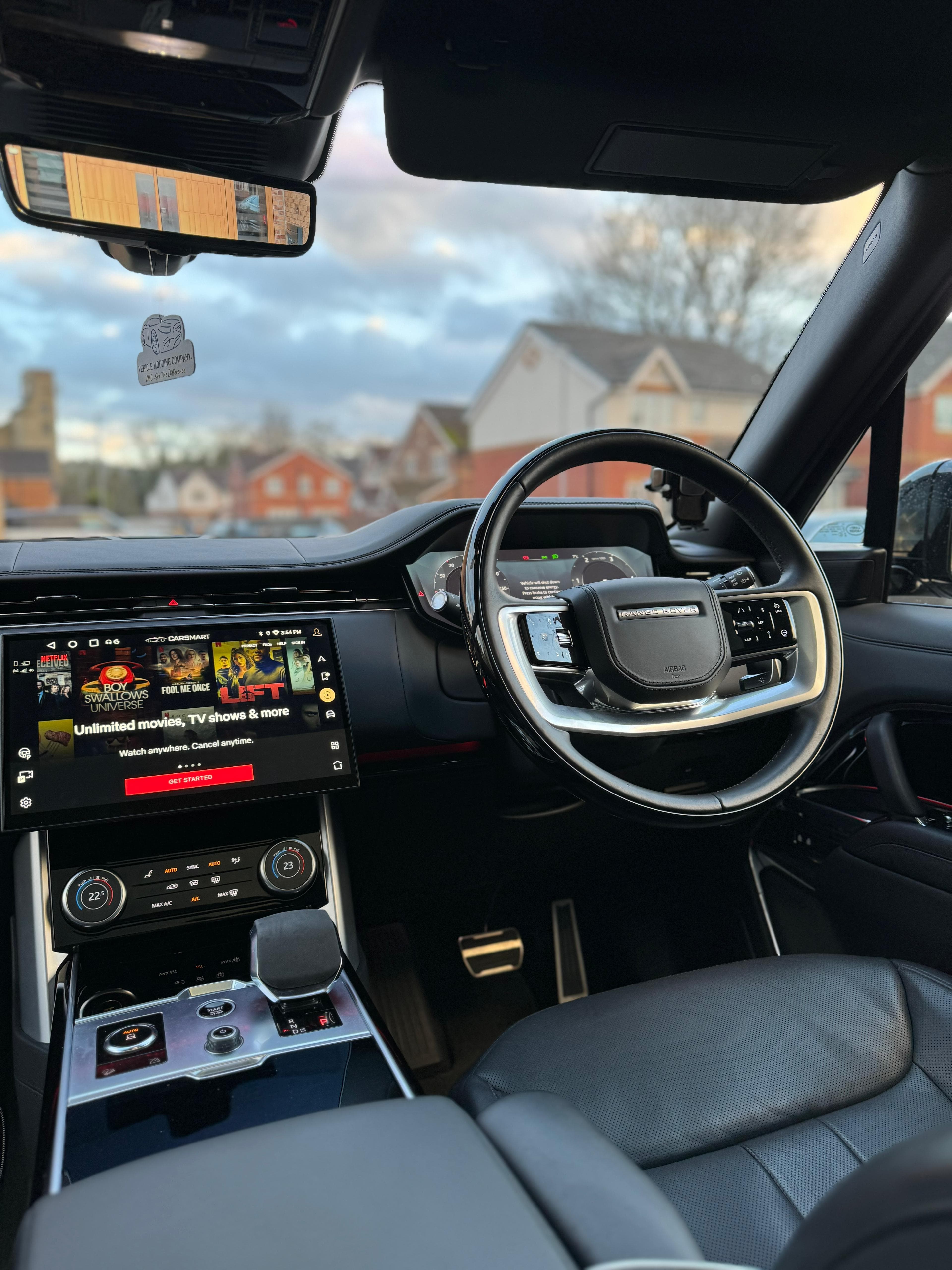
Works on any vehicle that is equipped with Apple CarPlay or Android Auto
No hassle setup in less than 3 minutes with a sleek design to stow away near USB ports.
Works with iPhone & Android devices!
Works on any vehicle that is equipped with Apple CarPlay or Android Auto
No hassle setup in less than 3 minutes with a sleek design to stow away near USB ports.
Works with iPhone & Android devices!
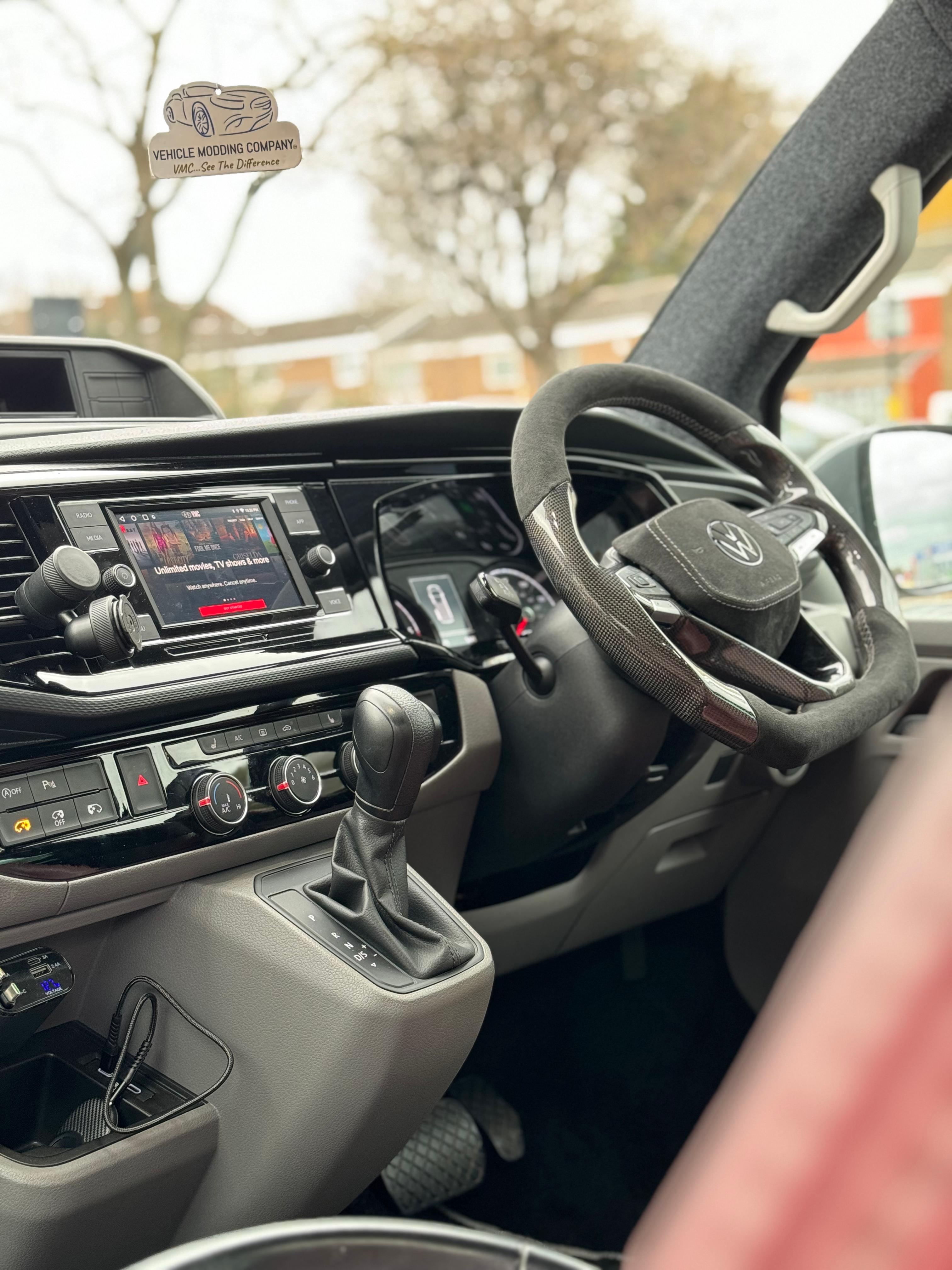
Grab a VMC and never have another dull moment in your car. Stop watching videos on your phone while you wait and start streaming right on your car display screen.
Grab a VMC and never have another dull moment in your car. Stop watching videos on your phone while you wait and start streaming right on your car display screen.
COMPATIBLE WITH
- Audi 2016-2026
- Bentley 2016-2026
- BMW 2016-2026
- Cadillac 2016-2026
- Chevrolet 2016-2026
- Chrysler 2017-2026
- Dodge 2017-2026
- Fiat 2017-2026
- Ford 2017-2026
- Genesis 2018-2026
- GMC 2017-2026
- Honda 2018-2026
- Mercedes Benz 2016-2026
- Nissan 2018-2026
- Hyundai 2016-2026
- Jaguar 2016-2026
- Jeep 2018-2026
- Kia 2017-2026
- Land/Range Rover 2016-2026
- Lamborghini 2017-2026
- Lincoln 2017-2026
- Mazda 2018-2026
- Mini 2018-2026
- Peugeot 2017-2026
- Porsche 2017-2026
- Ram 2018-2026
- SEAT/CUPRA 2016-2026
- Skoda 2016-2026
- Toyota 2017-2026
- Volkswagen 2016-2026
- Volvo 2019-2026
DON'T SEE YOUR CAR ON THE LIST?
Hit the button below to let us know which vehicle we should add next. Request Compatibility
How quickly can I set it up?
Most people get it up and running within a few minutes. Instructions are included with your box
Is The VMC compatible with my car?
We currently support the following vehicles:
*Vehicle must have wired or wireless CarPlay or Android Auto*
Audi 2016-2026
BMW 2016-2026
Bentley 2016-2026
Cadillac 2016-2026
Chevrolet 2016-2026
Chrysler 2017-2026
Dodge 2017-2026
Fiat 2017-2026
Ford 2017-2026
Genesis 2018-2026
GMC 2017-2026
Honda 2018-2026
Mercedes Benz 2016-2026
Nissan 2018-2026
Hyundai 2016-2026
Jaguar 2016-2026
Jeep 2018-2026
Kia 2017-2026
Land Rover 2016-2026
Lamborghini 2017-2026
Lincoln 2017-2026
Mazda 2018-2026
Mini 2018-2026
Peugeot 2017-2026
Porsche 2017-2026
Ram 2018-2026
Seat 2016-2026
Skoda 2016-2026
Toyota 2017-2026
Volkswagen 2016-2026
Volvo 2019-2026
Any Alpine, Kenwood, or Pioneer aftermarket display screen with wired CarPlay or Android Auto will also work.
Do I need any additional apps to make it work?
Nope, we've pre-installed the most popular streaming apps to the box for you. The Google Play store is accessible from the box to download any app if you wish.
Will this work on aftermarket CarPlay devices?
Yes, any Aftermarket CarPlay Device with a USB Port also works with The VMC Box.
How to watch Netflix from Apple CarPlay?
Simply download the Netflix app within the Google Play Store within the VMC device. Log into your account and start streaming your favorite shows.
How to play videos on CarPlay?
Turn your cars display screen into a smart TV using The VMC. Simply plug the VMC into your car's USB port and the regular CarPlay or Android Auto screen will be replaced with ours. Download any app and start streaming with The VMC Box.
Do I need to buy a Remote for my VMC?
No, you do not need to buy it but it definitely helps navigate the box more effectively. If you do not have touch screen in your vehicle, we strongly encourage you also buy a VMC Remote.
Where do you ship to?
We ship to United Kingdom and internationally!
How long will my order take?
Write content to answer to common questions your customers may have about your products, shipping policies..


Blog posts
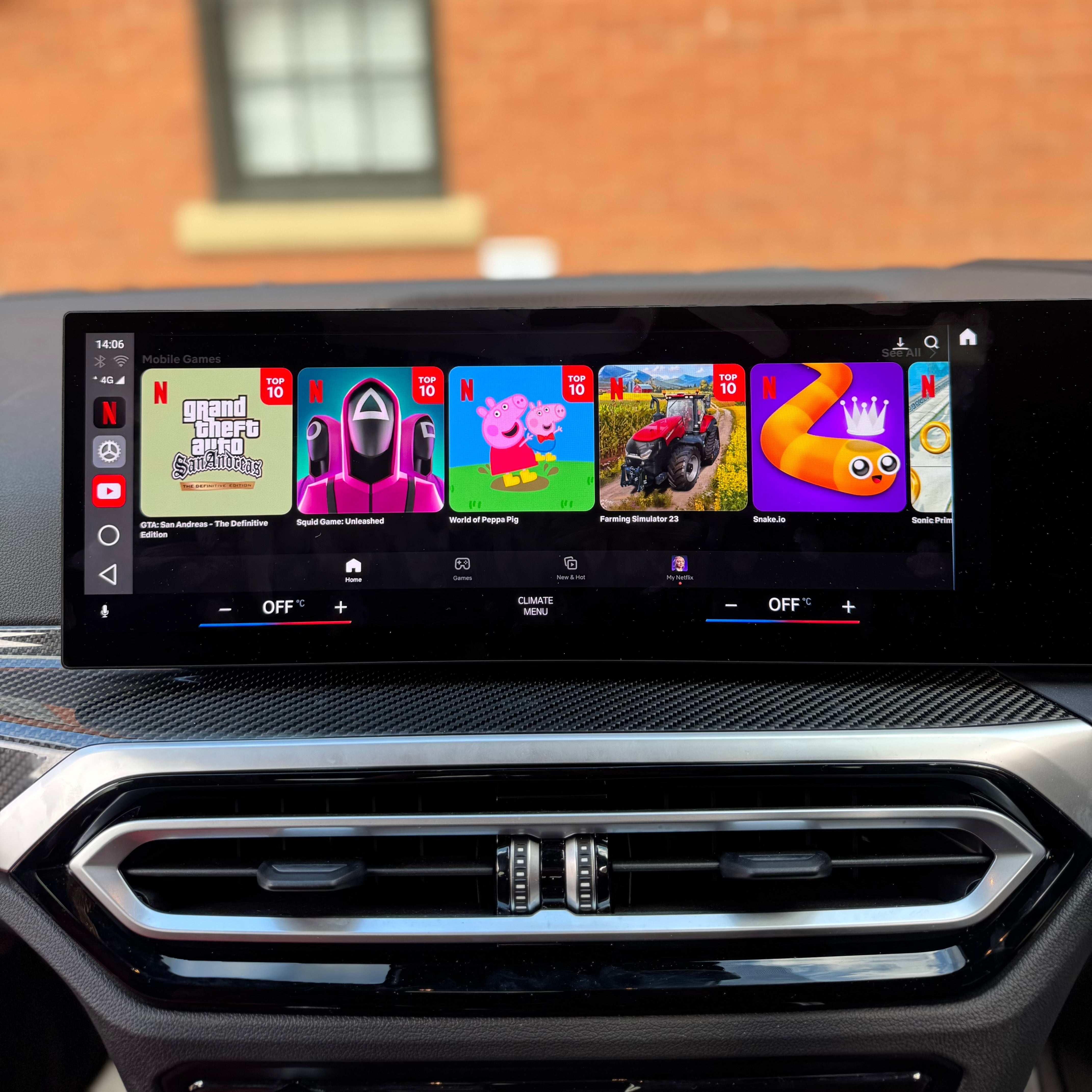
Watch Netflix and YouTube in Your BMW: VMC Multimedia AI Box (iDrive 6-10)
VMC BMW Multimedia AI Box for BMW iDrive 6-10. 4GB RAM, 64GB storage, Android 15, SIM slot. Watch anything, anywhere. Free UK delivery.
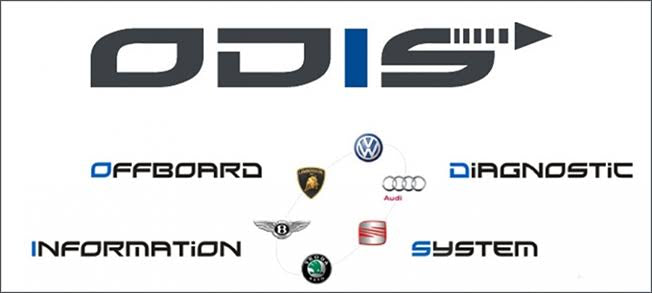
Vehicle Modding Company offers authorised ODIS online programming for all VAG vehicles including Audi, Volkswagen, SEAT, Škoda, Bentley and Lamborghini, plus official BMW ISTA online programming. W...
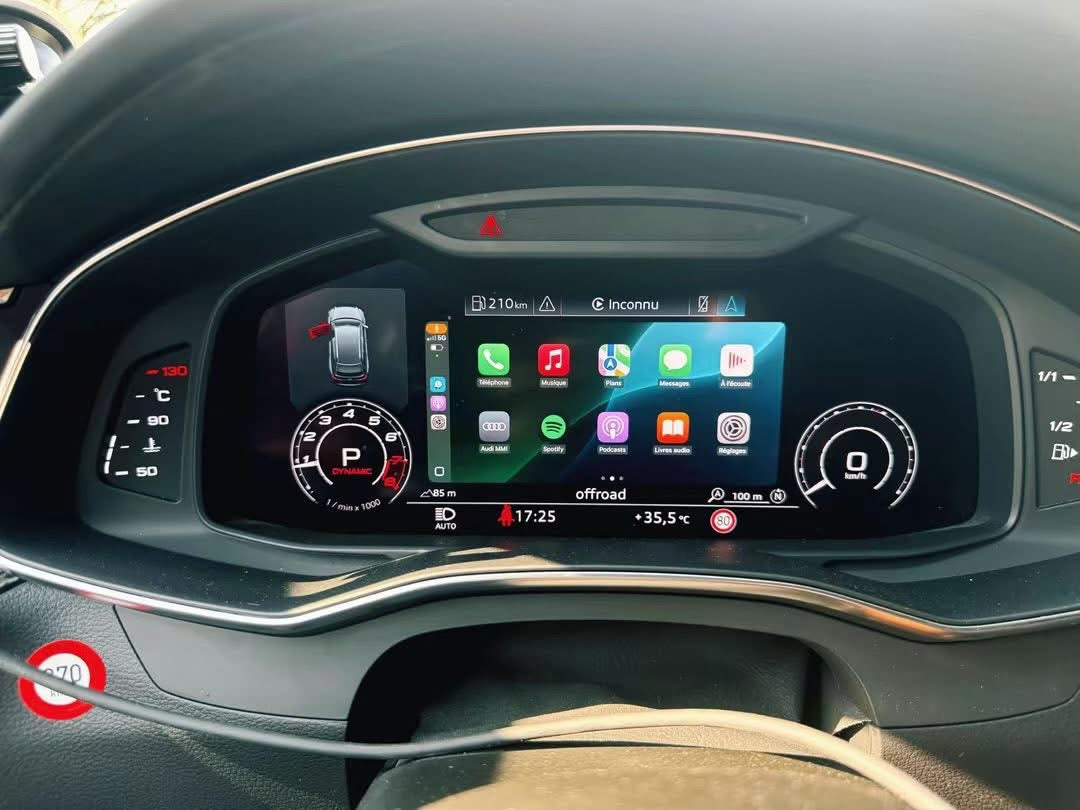
Project Apple CarPlay & Android Auto to Your Audi Virtual Cockpit – MH2P OEM Feature
Upgrade your Audi MH2P (MIB2 High Plus) with our OEM Virtual Cockpit CarPlay & Android Auto projection service. Display your existing CarPlay or Android Auto directly in the Audi Virtual Cockpi...